The New Threat Lurking in Gaming Communities
Cybercriminals are hunting where the crowd is. Right now, that means Coin Master, one of the most popular mobile games on the planet. A slick new phishing campaign is making the rounds on Discord. It promises players a dream come true: unlimited free spins. But instead of in-game currency, victims are handing over their personal data, logins, and community access to hackers.
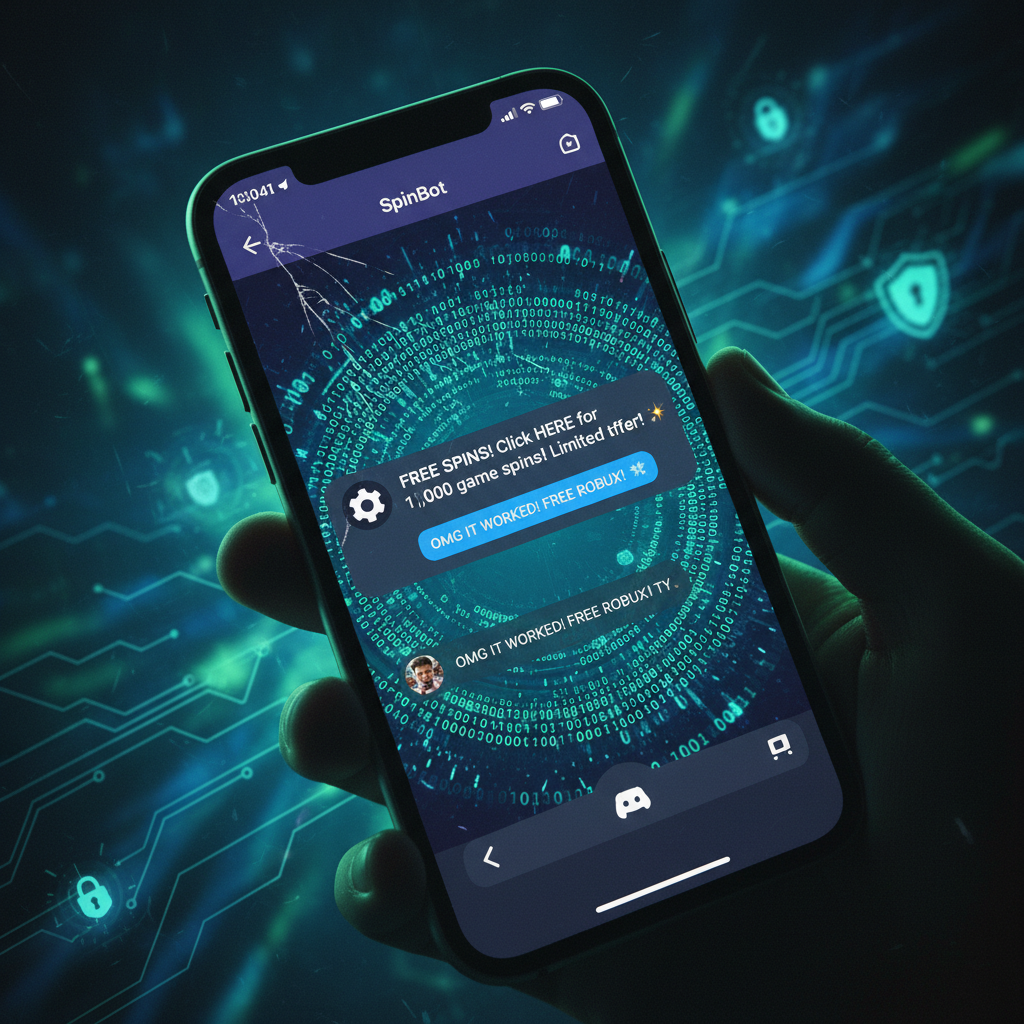
Discord has become the go-to hub for mobile gaming communities. Security researchers recently flagged a sharp rise in malicious bots lurking in these community servers. The bots look surprisingly legitimate. They often use the official Coin Master art style, logos, and branding to trick unsuspecting users. The bait is always the same. Players are told they simply need to authorize an app or log in to claim a massive reward. Once they do, the trap snaps shut.
How the Phishing Scam Works
It usually starts with a direct message or an automated post on a community server. “Get 50,000 free spins instantly,” the message claims. Who would not want to skip the grind? Clicking the provided link takes the player to a fake login portal. This site is designed to look identical to the official Facebook or Coin Master login screen.
In other variations of the attack, the link prompts the player to authorize a malicious Discord integration. If a user grants these permissions, they hand over control of their Discord account. The malicious bot can then use the compromised account to spread the scam further. It sends automated messages to the victim’s friends, posting the same phishing link in every shared server. The cycle repeats, growing exponentially.
Why Hackers are Targeting Coin Master
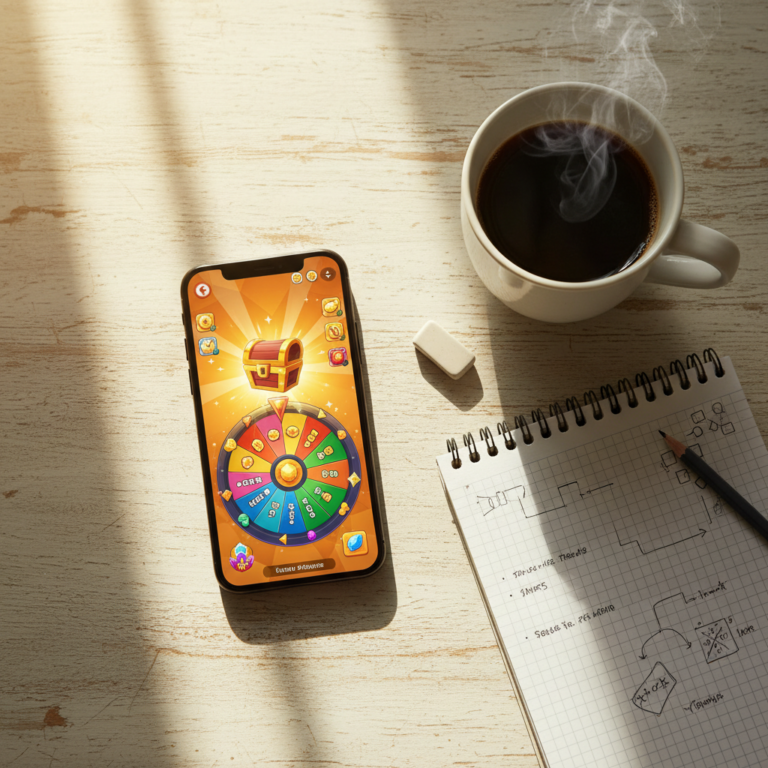
The choice of target is no accident. Developed by Moon Active, Coin Master has racked up hundreds of millions of downloads worldwide. Its core loop relies on a virtual slot machine. When players run out of their daily allotment of spins, their progress stalls. They can either wait hours for a recharge or spend real-world money. This creates a massive audience of impatient players looking for a quick shortcut.

Scammers exploit this psychological pressure. By offering a fake solution to the spin shortage, they easily bypass the natural skepticism of younger or less tech-savvy players. The immediate desire to keep playing blinds victims to the red flags on the screen.
The Real-World Consequences
The fallout from this campaign goes far beyond losing access to a mobile game. Cybercriminals use stolen Facebook credentials to access personal photos, messages, and linked financial accounts. Because many people reuse passwords, a single compromise can lead to a cascade of hacked accounts across different platforms.
Furthermore, some of the links distribute silent malware. Once downloaded to a phone or computer, these malicious files can log keystrokes, steal session cookies, or even monitor banking applications. What started as a hunt for free spins can quickly turn into a financial nightmare.
How to Protect Your Account
Protecting yourself from these attacks requires a mix of skepticism and basic digital hygiene. First, remember a golden rule of the internet: there is no such thing as a free lunch. Moon Active does not distribute game rewards through third-party Discord bots. Official free spin links are only shared via verified social media accounts and open directly inside the game app itself.
- Never authorize Discord applications that ask for extensive permissions, such as the ability to join servers on your behalf.
- Enable two-factor authentication (2FA) on both Discord and Facebook. This prevents hackers from logging in even if they steal your password.
- Double-check website URLs before entering any login credentials. Phishing sites often use slightly misspelled domains.
If you suspect you have already fallen victim to this scam, act quickly. Change your Facebook and Discord passwords immediately. Go to your Discord settings, navigate to authorized apps, and revoke access for any bot or integration you do not recognize. Finally, run a complete antivirus scan on your device to ensure no malware was left behind.
About the Author